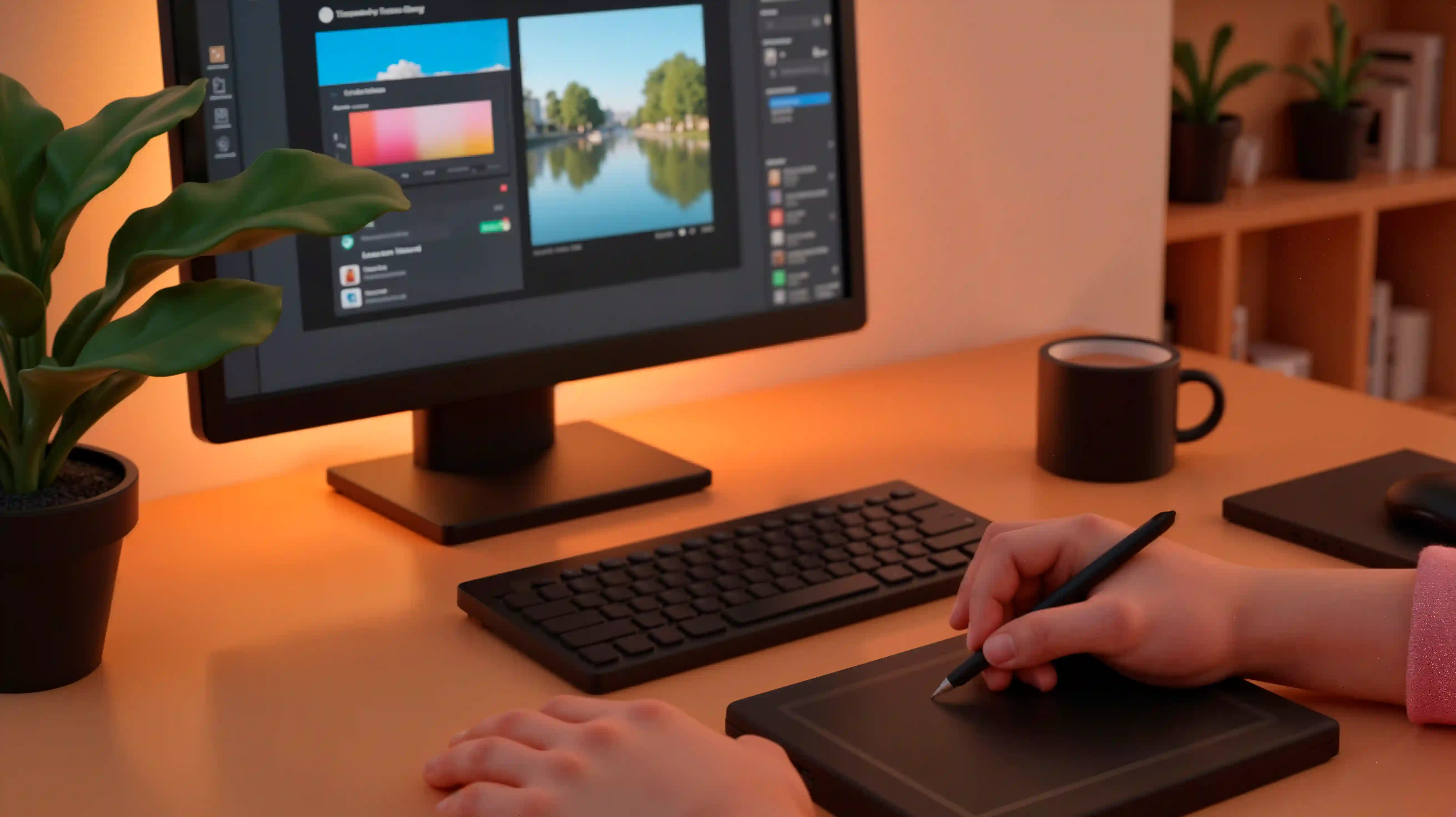
Product Photography for E-commerce
Aravind Krishnan
₹86,254₹123,220
30% off
Log in to add this course to your cart

Learn figma for product designers step-by-step through structured lessons, practical exercises, and expert insights tailored to design courses.
Created by Varun Bhatia, UX Design Lead
Planned outline shown above (sample metadata). The detailed module and lesson list for this course hasn't been published yet.
Learn figma for product designers step-by-step through structured lessons, practical exercises, and expert insights tailored to design courses.
What this course covers: Figma for Product Designers works through usability testing, design systems and components, information architecture and wireframing and prototyping.
Skills you will build: designing usable interfaces, presenting design decisions and prototyping ideas quickly.
Practical applications: web and mobile product design, website redesigns and design portfolios.
Who should take this course: aspiring designers, developers and product people who want to design user-friendly products. It is designed for learners with solid experience in UI/UX design who want advanced, in-depth practice.
Learning outcomes: by the end of the course you should be able to apply usability testing and designing usable interfaces to your own work or projects, and know which areas to practise next.
UX Design Lead · 12+ years of experience
Varun Bhatia is a ux design lead with 12+ years of experience in UI/UX design. Varun teaches user research and personas and information architecture with practical, step-by-step examples.
The section on information architecture was explained step by step, and the examples made wireframing and prototyping much easier to follow. The usability testing module changed how I validate my designs.
Figma for Product Designers covered design systems and components in more depth than I expected. The pace was right for my level. Practical critique examples helped me improve my portfolio pieces.
Clear structure from usability testing through to design systems and components. I'd like a few more practice tasks, but overall very useful. Building a small design system in Figma was the highlight for me.
Sample reviews are illustrative demo content, not verified purchases. Ratings from learners will appear here once submitted.
Aravind Krishnan
Log in to add this course to your cart
Varun Bhatia
Log in to add this course to your cart
Aravind Krishnan
Log in to add this course to your cart